
Introduction
For website owners, staying ahead of the competition means more than just publishing content; it requires smart tools that give real insights into traffic, user behavior, and site performance. Google offers a suite of free, powerful tools that can help you understand your audience, improve SEO, and enhance overall user experience. From analyzing how people find your site to measuring page speed and identifying technical issues, these tools address the core challenges every website owner faces, making growth and optimization simpler, faster, and more data-driven.
Why Google Tools Matter for Website Owners
Google tools are essential because they provide a window into your website’s health, performance, and visibility online. Whether you’re tracking search rankings, identifying broken links, or understanding which content drives engagement, these tools offer actionable insights. They give you a competitive edge by showing exactly what’s working and what needs improvement, all without the need for expensive software. For any website owner aiming to grow traffic, improve conversions, or optimize for search engines, Google tools are not just helpful; they’re indispensable.
Problems Google Tools Solve
Managing a website comes with multiple challenges: boosting traffic, fixing performance issues, tracking user behavior, and improving SEO. Google tools tackle these problems efficiently. They reveal hidden issues like slow page speed, indexing errors, or poorly performing keywords. They also help you monitor trends, understand your audience, and make informed decisions. With these insights, you can create better content, enhance user experience, and drive measurable growth, turning guesswork into data-backed strategies that truly move the needle.
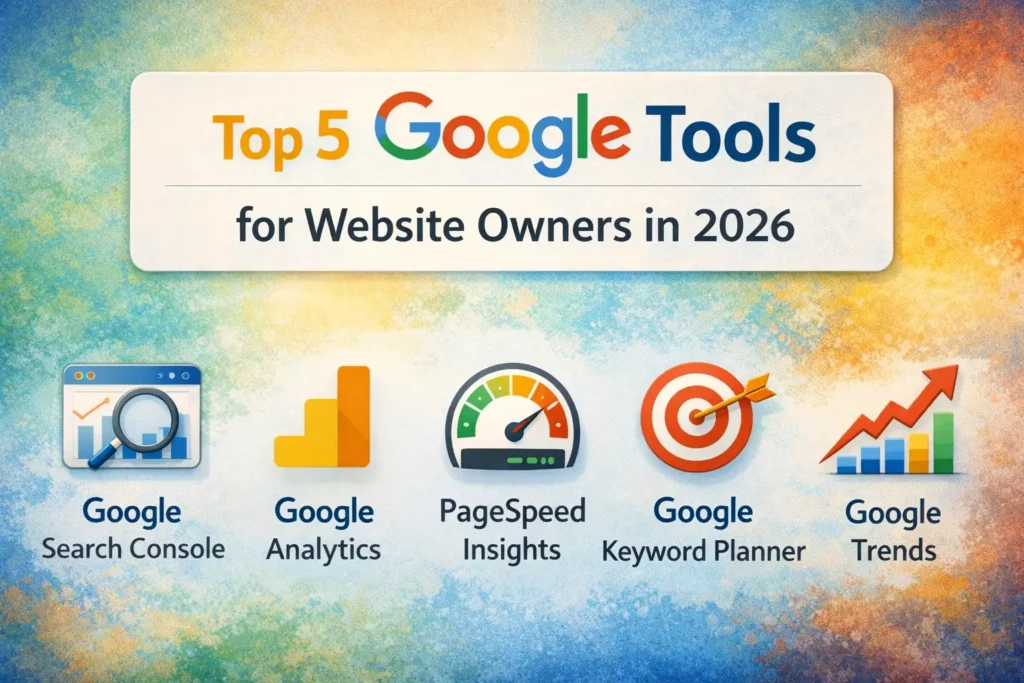
Here is the list of the Top 5 Google Tools for Website Owners in 2026
1. Google Search Console
Google Search Console is the first tool every website owner should use. It’s a free platform designed to help you monitor and maintain your site’s presence in Google Search results. By providing detailed data on indexing status, search queries, and technical errors, Search Console gives you a clear picture of how Google sees your site. Understanding this information allows you to fix issues before they affect your ranking and ensures your website remains accessible, optimized, and fully visible to your audience.
Overview and Purpose
Google Search Console helps website owners track search performance and identify technical problems. It’s designed to ensure your content is being crawled and indexed correctly by Google. Beyond simply reporting data, it alerts you to errors, security issues, or penalties that could hurt your visibility. By using Search Console, you gain a direct line to how Google interprets your website, giving you the power to improve SEO and user experience proactively.
Key Features for Website Owners
Search Console offers several features essential for any site: performance reports, coverage reports, URL inspection, and mobile usability checks. These allow you to see which pages are ranking, what keywords bring traffic, and whether your site meets mobile standards. Other tools like sitemap submission and manual action notifications keep your site optimized and secure, making it easier to maintain a healthy, high-performing website.
What Data Do You Get
With Search Console, you get precise insights into search performance, indexing status, and errors. You can track clicks, impressions, average position, and identify high-performing pages. Additionally, it highlights technical issues like broken links, crawl errors, or mobile usability problems. These metrics provide a roadmap for improving visibility, optimizing content, and ensuring Google can effectively navigate your site.
How It Helps Improve Search Visibility
By acting on the data Search Console provides, you can optimize content, fix errors, and enhance the overall structure of your website. This leads to better indexing, higher rankings, and increased organic traffic. Regularly reviewing these insights ensures you stay ahead of issues before they impact SEO, giving your website a competitive advantage in search results and improving the user experience for visitors.
👉 You might also like: 5 Best Data Analytics Tools for Tech Businesses
2. Google Analytics (GA4)
Google Analytics, especially the new GA4 version, is a cornerstone for understanding website performance. It tracks how users interact with your site, identifies traffic sources, and provides insights into user behavior. With GA4, you can go beyond basic metrics and dive into detailed reports on conversions, engagement, and retention. This tool empowers website owners to make informed decisions, measure marketing efforts, and optimize their content strategy for both SEO and business growth.
What Google Analytics Is and Why It’s Essential
GA4 is Google’s advanced analytics platform that goes beyond pageviews. It helps you understand what users do on your site, which pages perform best, and how traffic sources contribute to your goals. For website owners, this is crucial because it turns raw data into actionable insights. Whether you’re monitoring campaigns, content performance, or user journeys, GA4 provides the metrics needed to improve both SEO and user experience.
How It Tracks User Behavior and Traffic Sources
Google Analytics tracks every user interaction on your site, from page visits to clicks and conversions. It also identifies where traffic comes from, organic search, paid ads, social media, or referrals. This detailed visibility allows you to pinpoint which marketing channels are effective, understand user journeys, and discover drop-off points that need optimization, ensuring your site performs efficiently and engages visitors.
Key Reports for Website Owners
GA4 provides a range of reports, such as audience demographics, real-time behavior, conversion tracking, and acquisition channels. These reports help you see which content resonates, how users navigate your site, and where to focus your marketing efforts. By regularly analyzing these reports, website owners can refine strategies, improve SEO, and maximize return on investment, turning data into tangible growth opportunities.
Real World Use Cases for Growth and Optimization
From identifying top-performing pages to tracking campaign effectiveness, GA4 shows what drives growth. Businesses use it to measure engagement, optimize landing pages, and enhance conversion rates. By combining insights from GA4 with other Google tools, website owners can implement data-driven strategies that improve search rankings, enhance user experience, and ultimately increase revenue.
👉 You might also like: What Is Eporer? Complete 2026 Guide
3. Google PageSpeed Insights
Page speed has become a crucial factor in both user experience and SEO rankings. Google PageSpeed Insights analyzes your site’s performance on desktop and mobile devices, providing actionable recommendations to improve speed. Slow-loading pages drive visitors away, increase bounce rates, and hurt search rankings. By using this tool, website owners can optimize images, scripts, and server response times to ensure visitors enjoy a fast, seamless browsing experience that keeps them engaged and coming back.
What PageSpeed Insights Does
PageSpeed Insights measures page performance using real-world data and lab simulations. It evaluates loading speed, interactivity, and visual stability. The tool identifies specific elements slowing down your site and offers step-by-step recommendations to fix them. By addressing these issues, you can improve SEO, user satisfaction, and overall website effectiveness, giving your site a competitive edge in search results.
Core Web Vitals and Site Speed Metrics Explained
Core Web Vitals check loading performance of the website, interactivity, and stability of visuals. Metrics like Largest Contentful Paint (LCP), First Input Delay (FID), and Cumulative Layout Shift (CLS) show how users experience your site. PageSpeed Insights reports these metrics, helping website owners understand performance bottlenecks. Optimizing these areas ensures faster pages, lower bounce rates, and improved SEO rankings, keeping both visitors and search engines happy.
Performance Recommendations
PageSpeed Insights suggests improvements like image optimization, script minification, caching, and server response enhancements. Following these recommendations can drastically reduce load times and improve site usability. Implementing even a few changes can have a noticeable impact on traffic retention, conversion rates, and search visibility, turning a slow site into a high-performing one.
Why Page Speed Affects SEO and Conversions
Google uses page speed as a ranking factor because users prefer fast-loading websites. Slow sites irritate the visitors, increase bounce rates, and slow the rate of conversions. By improving speed, you enhance user experience, increase engagement, and boost search rankings. Optimized page performance leads to happier visitors, longer sessions, and better overall website success.
👉 You might also like: Meaimee 3: AI Productivity Tool for Teams & Creators
4. Google Keyword Planner
Google Keyword Planner is a must-have tool for any website owner looking to drive targeted traffic through search engines. It’s part of Google Ads but free to use, and it allows you to discover keywords that your audience is actively searching for. Whether you’re planning new content, optimizing existing pages, or researching competitors, Keyword Planner provides actionable insights. By understanding search volume, competition, and keyword trends, you can make smarter SEO decisions and create content that ranks higher and drives qualified traffic to your site.
Overview and Access (via Google Ads)
Keyword Planner is accessible through Google Ads, even if you’re not running paid campaigns. Once you log in, you can explore keywords, see search volume estimates, and analyze trends for specific terms. The tool shows related keyword suggestions and competition levels, helping you identify opportunities your audience is looking for. It’s a straightforward way to plan your content strategy with data-backed insights.
How It Helps with Keyword Research and Content Planning
The tool helps you identify high-value keywords to target for SEO or paid campaigns. It shows search volume, competition, and even seasonal trends for each keyword. This data allows you to prioritize terms that can drive traffic and conversions. With Keyword Planner, you can map out a content calendar, optimize existing pages, and ensure your website answers the questions people are actively asking online.
Practical Steps to Use It for SEO Strategy
Start by entering a few core terms related to your niche. Review the suggested keywords, focusing on those with high search volume and low-to-medium competition. Group keywords into topics for content planning, then integrate them naturally into titles, headings, and meta descriptions. Regularly revisit the tool to spot new opportunities and adjust your content strategy, ensuring your site remains relevant and competitive in search results.
👉 You might also like: Auztron Bot: Simplify Task With Automation Tool
5. Google Trends
Google Trends is a powerful tool for spotting search trends and audience interests. It allows website owners to see what topics are gaining popularity over time, making it perfect for creating timely and engaging content. By analyzing search behavior across regions, categories, and devices, you can tailor your content strategy to meet real audience demand. Google Trends helps you stay ahead of competitors, plan seasonal campaigns, and ensure your content resonates with readers when they’re most interested.
What Google Trends Shows
Trends provide insights into keyword popularity over time. You can compare search terms, identify seasonal patterns, and track rising queries in your niche. The tool also shows regional interest, which is helpful for targeting specific markets. By understanding what your audience is searching for, you can craft content that captures attention and drives engagement.
How to Find Trending Topics Relevant to Your Niche
Start by entering general keywords related to your niche. Google Trends highlights related topics and queries, including breakout terms with rapid growth. Filter by region or category to focus on your target audience. This helps identify content opportunities that are timely, relevant, and likely to attract organic traffic before competitors catch on.
Using Trends to Plan Seasonal and Timely Content
Use Trends to map out content calendars around seasonal peaks or current events. For example, if you run a tech blog, you might spot increased searches for “best laptops 2026” during back-to-school season. Leveraging these insights ensures your content aligns with audience demand, maximizes traffic, and positions your site as a go-to resource for timely, useful information.
Bonus Tool: Google Lighthouse
Google Lighthouse is an advanced auditing tool designed to improve website performance, SEO, and user experience. Unlike other tools that focus only on metrics, Lighthouse provides detailed, actionable reports across multiple categories, including performance, accessibility, SEO, and best practices. It works alongside PageSpeed Insights to help website owners identify technical issues and implement improvements, ensuring your site is optimized for both search engines and real users.
What Lighthouse Is and How It Fits with PageSpeed Insights
Lighthouse runs audits on your site and generates reports with scores for performance, accessibility, SEO, and best practices. While PageSpeed Insights focuses mainly on speed and Core Web Vitals, Lighthouse gives a more holistic view of your website’s technical health. It’s particularly useful for developers and advanced website owners who want detailed recommendations for optimization.
Technical Site Audits (Performance, Accessibility, SEO)
Lighthouse evaluates several critical aspects of a website. Performance audits measure loading times, interactivity, and visual stability. Accessibility checks identify issues that could prevent users with disabilities from navigating your site. SEO audits ensure basic optimization elements, like meta tags and structured data, are implemented correctly. Addressing these areas improves user experience, search visibility, and overall site quality.
When to Use Lighthouse vs PSI
Use PageSpeed Insights when you want quick insights into speed and Core Web Vitals. Lighthouse is ideal when performing a full technical audit or preparing for a site redesign, launch, or major SEO overhaul. Combining both tools gives a comprehensive understanding of your site’s health, allowing you to prioritize improvements that impact both performance and user experience effectively.
How to Choose the Right Google Tool for Your Goals
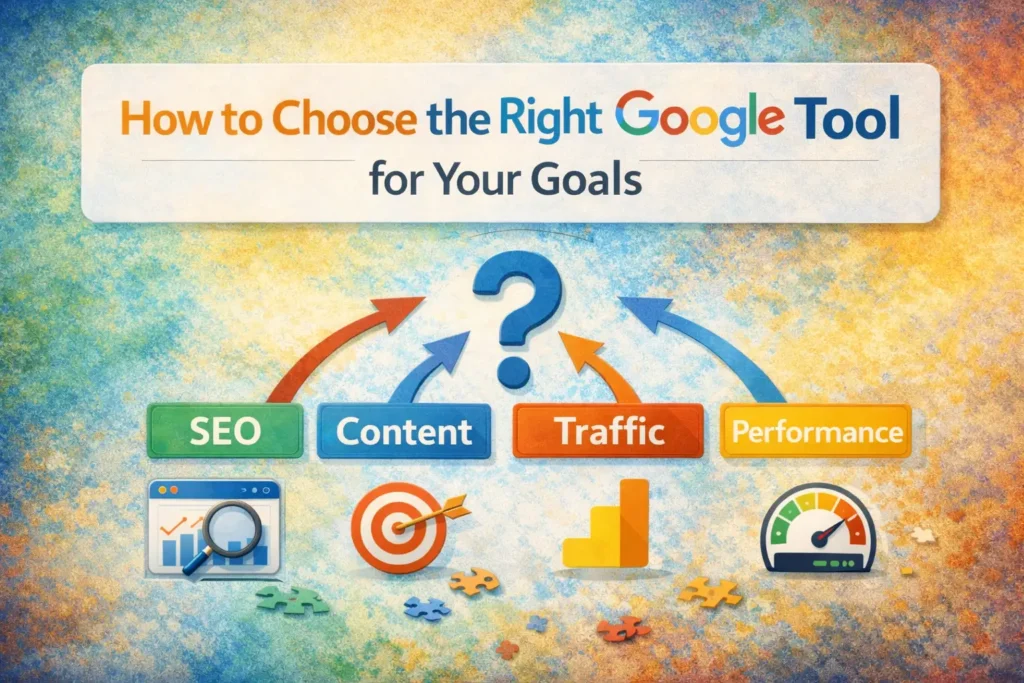
Choosing the right Google tool depends on what you want to achieve with your website. Each tool serves a distinct purpose; some focus on SEO, others on content planning, traffic analysis, or technical performance. Understanding your website’s current needs and long-term goals helps you prioritize which tools to use. For example, if your priority is improving search visibility, Google Search Console is essential, whereas content creators focused on trending topics would benefit more from Google Trends. By aligning tools with specific objectives, you can make better decisions and maximize your website’s growth potential.
Matching Tools to Business Objectives (SEO, Content Planning, Performance)
Identify what you need to improve: SEO rankings, user engagement, or site speed. Google Search Console and Analytics are perfect for monitoring SEO and traffic, while Keyword Planner and Trends help with content planning. PageSpeed Insights and Lighthouse focus on performance and technical optimization. By clearly defining your goals, you can select the tools that provide the most actionable insights for your business, ensuring every effort moves the needle in the right direction.
Tool Combinations That Work Well Together
Using multiple tools in combination can produce better results than relying on one alone. For instance, connecting Google Search Console with Analytics gives a comprehensive view of traffic and user behavior. Using Keyword Planner alongside Google Trends helps you create content that targets high-volume, timely topics. Similarly, running Lighthouse audits in parallel with PageSpeed Insights ensures your site is technically optimized while maintaining a fast, user-friendly experience. Smart tool combinations save time and provide a clearer picture of website performance.
Tips for Getting the Most Out of Google Tools
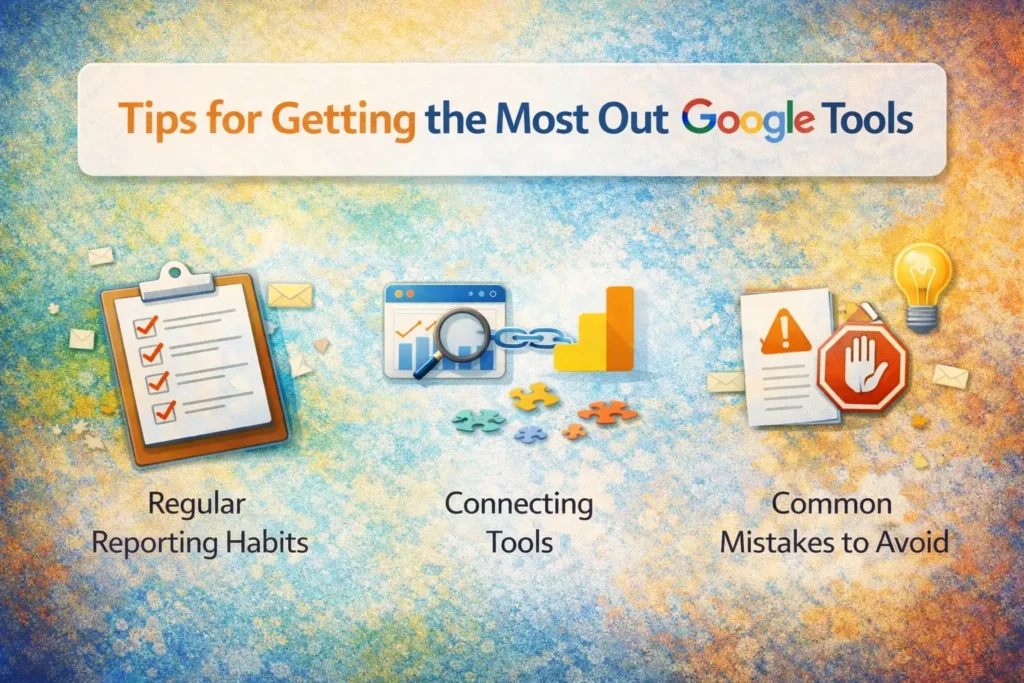
Maximizing the benefits of Google’s suite of tools requires consistency and strategy. Regular monitoring, data analysis, and actionable implementation are key. Don’t just check reports occasionally; make reviewing insights a routine part of your workflow. By using each tool effectively, website owners can improve SEO, optimize content, boost user engagement, and track performance over time. These tips help you move beyond basic usage and turn insights into measurable results.
Regular Reporting Habits
Create a habit of checking performance metrics regularly. Weekly or monthly reviews of Google Search Console and Analytics can uncover trends or issues early. Consistent monitoring ensures that problems like indexing errors, slow pages, or declining traffic are identified quickly. Regular reporting also helps track the effectiveness of your SEO and marketing strategies, allowing you to adjust tactics proactively rather than reactively.
Connecting Tools (Search Console + Analytics)
Linking Search Console with Google Analytics provides a more complete picture of your website. While Search Console shows how Google indexes your site, Analytics reveals how visitors behave once they arrive. Combining these datasets allows you to identify which pages drive traffic, which keywords perform best, and where improvements are needed. This integration transforms raw data into actionable insights, improving SEO and user experience simultaneously.
Common Mistakes to Avoid
Avoid relying on a single tool or ignoring data regularly. Many website owners make the mistake of checking metrics sporadically, which can delay fixes and opportunities. Another common error is not following recommendations from PageSpeed Insights or Lighthouse, which limits performance improvements. Finally, avoid overcomplicating data, focus on metrics that directly impact your goals, like traffic growth, user engagement, and conversion rates, instead of getting lost in less relevant details.
Conclusion
Google offers website owners an exceptional toolkit that covers SEO, content planning, performance, and technical optimization. From monitoring search visibility with Search Console to uncovering trending topics with Google Trends, these tools provide actionable insights that drive growth. PageSpeed Insights and Lighthouse ensure your site performs well, while Analytics and Keyword Planner guide strategy and content decisions.
The five must-use tools are Google Search Console, Google Analytics (GA4), PageSpeed Insights, Keyword Planner, and Google Trends, with Lighthouse as a bonus for technical audits. Each tool serves a unique purpose, and together they cover all critical aspects of website management.
Consistently using Google’s tools allows website owners to make data-driven decisions, fix technical issues, optimize content, and ultimately improve search visibility and user experience. By understanding which tool to use, combining insights wisely, and monitoring results regularly, you can transform your website into a high-performing, growth-focused platform that keeps visitors engaged and returns measurable results.
✨ This is just the start. Follow Milyom for more gems.