
Introduction
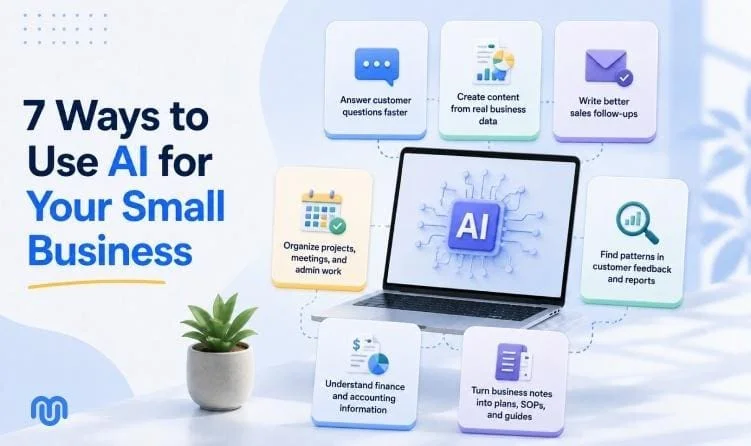
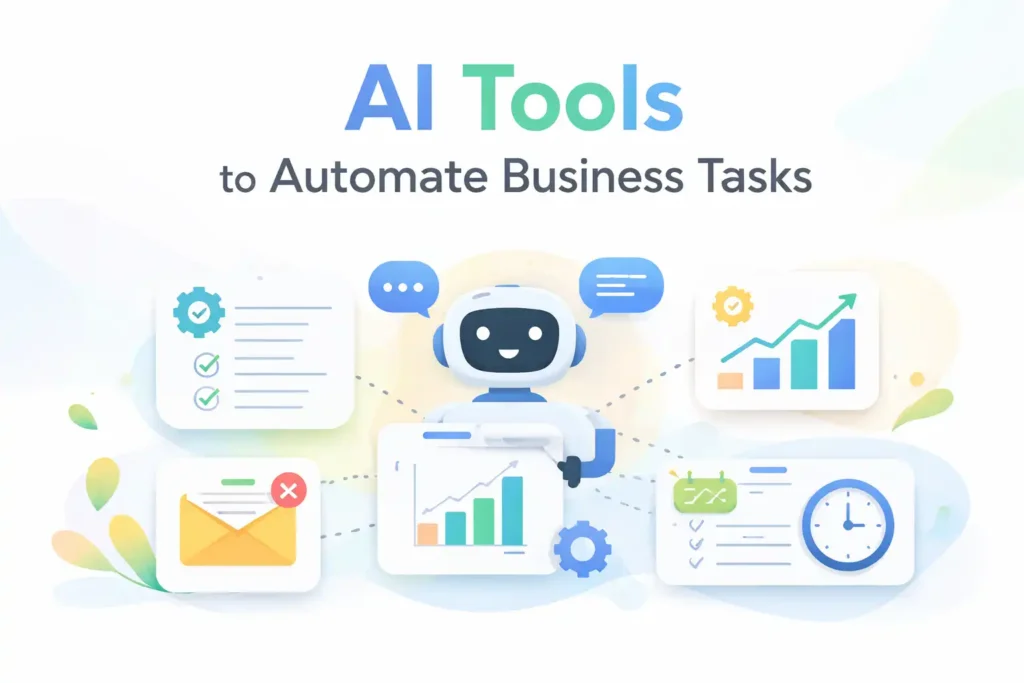
Managing a business today involves juggling multiple tasks marketing, operations, customer support, and more. AI automation can take over repetitive tasks, giving you time to focus on growth and strategy. Modern AI tools not only increase efficiency but also reduce errors and improve decision-making. In this guide, we’ll explore the best AI tools for automating essential business tasks. From content creation to workflow management, these tools streamline operations and free up valuable hours, helping businesses of all sizes work smarter rather than harder.
Common Business Tasks AI Can Automate
AI can handle tasks like responding to emails, scheduling meetings, generating invoices, and analyzing data. Marketing content creation, social media management, and customer support interactions are also ideal for AI. By automating these tasks, businesses reduce manual work, save time, and maintain consistency. Employees can focus on other things like strategy, creativity, and decision-making. AI’s role is not just speed; it ensures accuracy, scalability, and smarter management of daily operations across departments, from finance to HR.
How to Choose the Right AI Tool
Selecting the right AI tool requires careful consideration of your business goals, budget, and workflow requirements. It’s not only about functionality but also integration with existing systems and user-friendliness. You need a solution that grows with your company, maintains data security, and supports your team’s productivity. Evaluating features, costs, scalability, and privacy safeguards ensures that your investment in AI delivers measurable efficiency and operational improvements while avoiding the common pitfalls of mismatched tools or underutilized capabilities.
Evaluate Your Business Needs
Identify which processes need automation marketing, operations, customer service, or finance. Understand the pain points, repetitive tasks, and opportunities for efficiency. Align the tool with your team’s workflow to maximize adoption and impact. Choosing a tool without clarity on needs can lead to wasted resources, low engagement, and poor ROI. Clear objectives guide selection and help measure the effectiveness of AI solutions in improving day-to-day business operations.
Integration and Ease of Use
Ensure the AI tool works seamlessly with existing platforms like CRM, email, project management, or accounting software. A tool that requires extensive training or complicated setup can reduce adoption rates. Look for intuitive interfaces and robust integrations that support smooth workflows. The easier the tool fits into daily operations, the faster your team can leverage its capabilities to automate repetitive tasks and focus on strategic growth.
Cost, Scalability, and Security
Evaluate subscription costs, scalability, and potential hidden fees. Consider whether the tool can grow with your business and handle increasing workloads. Security and data privacy are critical ensure the AI platform encrypts data and complies with regulations. A cost-effective, scalable, and secure solution ensures long-term efficiency, protects sensitive business information, and prevents disruptions as your business expands.
5 Best AI Tools to Automate Business Tasks
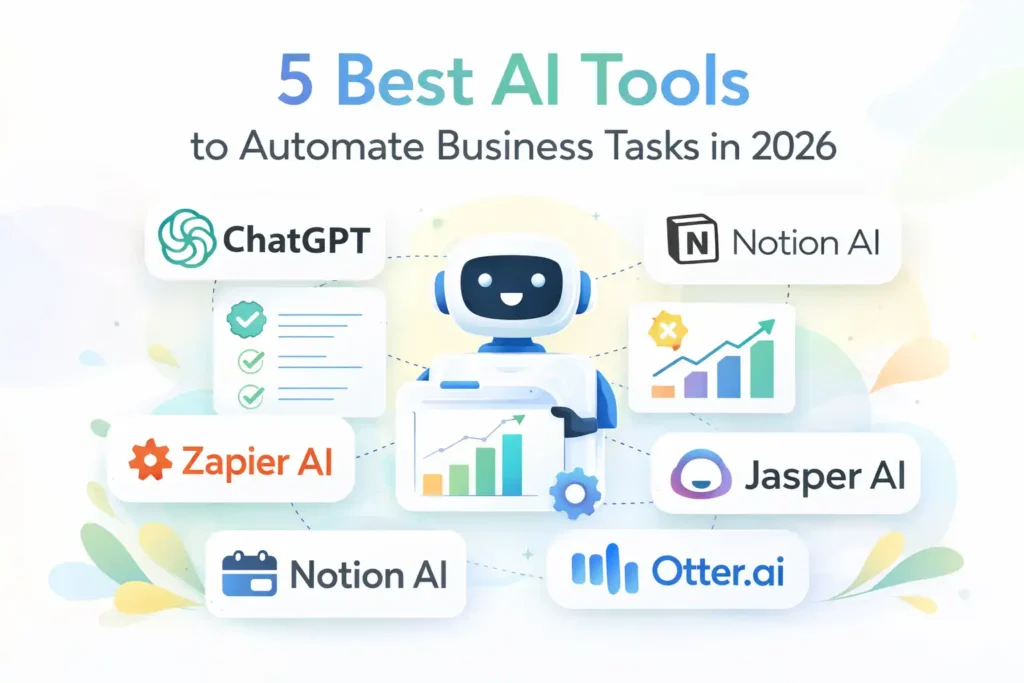
ChatGPT – Multi-Purpose AI Assistant
ChatGPT excels at content creation, customer support, and email automation. Its natural language processing capabilities allow it to draft responses, generate ideas, and create marketing copy quickly. Small teams benefit from faster communication and consistent messaging, while larger teams can integrate ChatGPT into internal systems for automated workflows. By automating repetitive writing and inquiry handling, businesses save time, maintain quality, and empower employees to focus on strategy and creative tasks.
Zapier AI – Workflow Automation Between Apps
Zapier AI connects multiple apps like Gmail, Slack, and Trello, automating tasks without coding. It triggers actions across platforms, eliminating manual repetition and speeding up processes. Its AI suggestions help users create smarter workflows, making task management efficient. From moving data between tools to notifying teams about updates, Zapier AI reduces human error, streamlines communication, and frees up hours that would otherwise be spent on tedious, repetitive work.
👉 You might also like: Fappelo: Viral Content Sharing Platform Explained
Notion AI / Microsoft 365 Copilot – Productivity & Workflow Support
Notion AI and Microsoft 365 Copilot enhance productivity by summarizing meetings, managing tasks, and generating notes. They integrate with team workflows, providing context-aware suggestions and automating repetitive documentation tasks. This ensures better organization, faster decision-making, and consistent information across departments. Employees can spend more time analyzing insights and strategizing rather than manually updating reports or notes, improving overall operational efficiency.
Jasper AI / Copy.ai – Marketing & Content Automation
Jasper AI and Copy.ai are created to automate content creation for marketing. From social media posts to SEO articles and product descriptions, these tools generate high-quality copy quickly. They help businesses maintain a consistent brand voice and speed up content production. By reducing the hours spent brainstorming and writing, teams can focus on strategy, campaign planning, and creative innovation while keeping content engaging and error-free.
👉 You might also like: How Classroom 30x Helps Students Learn Faster in 2026
Otter.ai / Fathom – Meeting & Communication Automation
Otter.ai and Fathom automate meeting transcription, note-taking, and action item creation. These tools record discussions, generate summaries, and organize information efficiently. Teams gain accurate records without manual effort, improving follow-up and accountability. By reducing time spent on meeting documentation, employees can dedicate attention to decision-making and collaboration, making internal communication more productive and structured.
Bonus Tools & Alternatives
QuickBooks AI automates accounting tasks like invoicing, expense categorization, and cash flow tracking. Grammarly AI improves writing efficiency by checking grammar, tone, and clarity. Make (Integromat) handles complex workflows across multiple apps, while HubSpot AI streamlines sales and customer support automation. These alternatives complement the top five tools, offering specialized solutions to automate additional business functions and enhance productivity across departments, from finance to marketing and beyond.
Compare Tools Side‑by‑Side
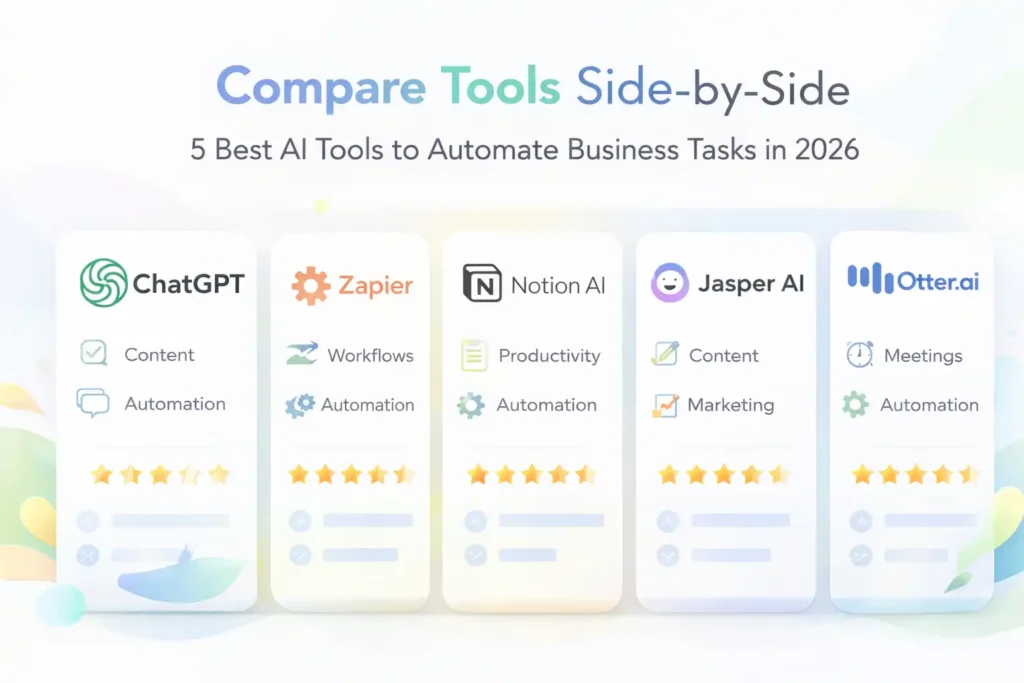
When choosing AI tools, comparing features, pricing, and usability helps ensure the right fit for your business. Each tool offers unique strengths: some excel in content generation, others in workflow automation or meeting transcription. A side-by-side evaluation highlights which tool suits specific needs, from small teams to enterprises. Considering integrations, scalability, and AI capabilities also matters. By understanding these differences, you can select tools that optimize workflows, reduce redundant tasks, and provide the best ROI, rather than picking tools based solely on popularity or marketing claims.
Features Matrix (AI Capabilities, Pricing, Best Use Cases)
A clear features matrix helps visualize each AI tool’s strengths. For instance, ChatGPT excels in language-based tasks, while Zapier automates app workflows. Jasper AI is tailored for marketing content, and Otter.ai focuses on meeting transcription. Pricing varies from free tiers for basic tasks to premium subscriptions for advanced features. By matching capabilities to your business goals, you can choose tools that save time, integrate seamlessly, and support growth without unnecessary spending.
Beginners vs Advanced Tools
Some AI tools are beginner-friendly, requiring little setup, while others offer advanced customization for larger teams. Beginners benefit from plug-and-play tools like ChatGPT or Otter.ai, which are intuitive and quick to adopt. Advanced users might prefer Zapier or Make for creating complex, automated workflows across multiple apps. Knowing your team’s technical comfort and workflow complexity ensures smooth adoption and maximum efficiency without frustration or wasted resources.
Free vs Paid Options
Free AI tools are great for testing features and automating simple tasks, but they often come with limitations like fewer integrations or restricted usage. Paid plans provide more powerful features, better scalability, and priority support. Businesses should weigh cost against expected efficiency gains. Sometimes investing in a paid tool reduces hours spent on manual work, improves output quality, and ultimately delivers higher ROI, making the subscription worthwhile for long-term productivity.
Real‑World Use Cases & Success Stories
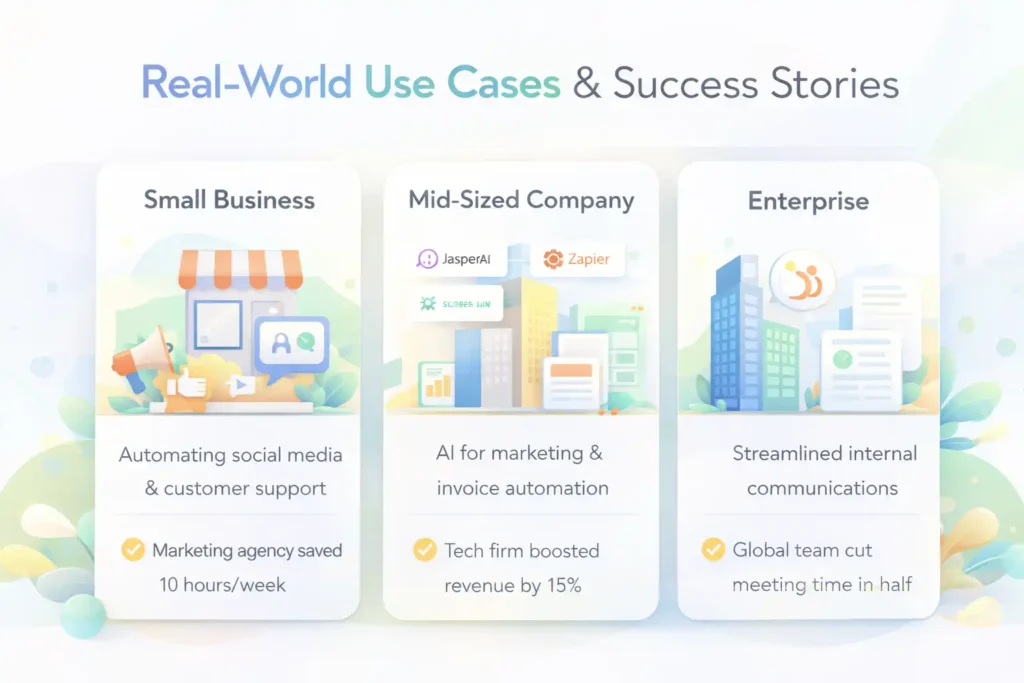
AI automation is transforming businesses of all sizes. Small startups, mid-sized companies, and large enterprises are all seeing measurable benefits from automating routine tasks. Success stories showcase improved efficiency, faster decision-making, and better customer experiences. Understanding real-world applications helps new adopters see the tangible advantages and potential pitfalls of AI adoption. These examples inspire confidence and provide actionable insights on implementing AI strategically to maximize results across departments.
Small Business Examples
Small businesses use AI to automate social media posts, generate content, and manage customer inquiries. For instance, a marketing agency might leverage Jasper AI for blog writing while using Zapier to sync CRM data automatically. These tools reduce repetitive tasks, save hours weekly, and let small teams focus on strategy and client relationships. Even limited resources can yield big efficiency gains when AI is applied thoughtfully.
Enterprise Level Automation Stories
Large enterprises integrate AI into complex workflows, from internal communication to financial reporting. For example, multinational companies may use Microsoft 365 Copilot to summarize meetings for hundreds of employees, while AI tools like HubSpot automate sales follow-ups. Such automation streamlines operations at scale, reduces human error, and ensures consistent performance across global teams, supporting faster growth and better resource management.
Measurable Benefits (Time Saved / Cost Reduced)
Companies report saving dozens of hours per week on repetitive tasks, cutting operational costs, and reducing manual errors. AI automation accelerates processes such as content creation, data entry, and customer support. By freeing employees from routine work, businesses can focus on strategy, innovation, and revenue-generating activities. These measurable gains highlight AI’s practical value beyond theoretical efficiency, making it a critical investment for sustainable growth.
Common Mistakes to Avoid
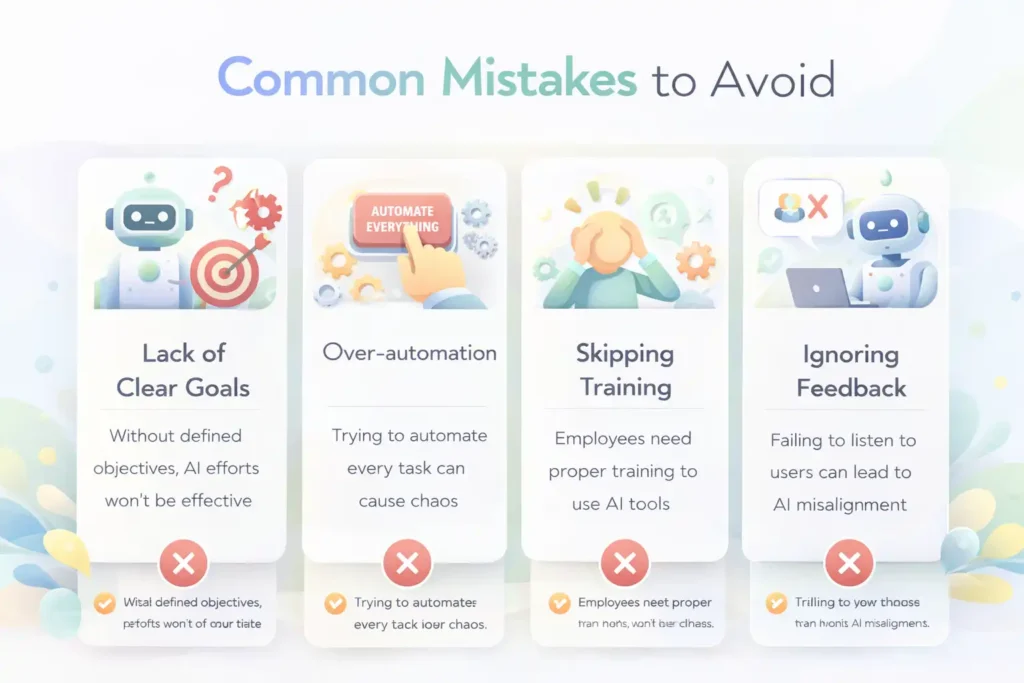
Implementing AI isn’t just about choosing the right tool it’s also about avoiding pitfalls that can reduce effectiveness. Common mistakes include over-automation, neglecting security, and failing to train staff properly. Addressing these issues early ensures smooth adoption and maximizes the benefits of AI. Awareness of potential errors helps businesses implement AI responsibly, balancing efficiency gains with operational control and employee engagement.
Over‑Automating Everything
Automating every task can lead to rigidity and loss of human judgment. Not all processes benefit from AI intervention. Critical thinking, creativity, and personal interactions should remain human-led. Over-automation can frustrate employees and reduce workflow flexibility. It’s essential to identify high-value, repetitive tasks suitable for AI while keeping decision-making and strategic planning human-centered.
Ignoring Security & Data Protection
AI tools often access sensitive business data. Ignoring security risks can lead to breaches or compliance issues. Always choose AI platforms with strong encryption, clear privacy policies, and compliance with industry regulations. Regular audits and access controls protect company and client information, ensuring automation doesn’t compromise confidentiality or trust.
Not Training Teams on AI Tools
Without proper training, teams struggle to use AI effectively, leading to underutilization. Providing training and clear documentation ensures staff understand capabilities, limitations, and best practices. Proper onboarding encourages adoption, maximizes productivity, and reduces errors, making AI a valuable asset rather than a source of confusion.
Choosing Tools Without Clear Objectives
Selecting AI tools without defined goals often results in wasted resources. Businesses should clarify which tasks they aim to automate, expected time savings, and desired outcomes. Clear objectives guide tool selection, streamline implementation, and allow measurable evaluation of AI effectiveness, ensuring tools align with business strategy.
👉 You might also like: 5 Best Email Marketing Platforms for Growth (2026)
Conclusion
AI tools are no longer optional; they’re essential for efficient, scalable business operations. By selecting the right solutions, companies can automate routine tasks, save time, and enhance productivity across departments. The tools highlighted in this guide represent a starting point for leveraging AI effectively. Combining the right AI technology with informed implementation strategies ensures maximum impact and positions businesses for sustainable growth in a competitive environment.
Summary of Top 5 Tools
- ChatGPT: Content creation, customer support, email automation
- Zapier AI: Cross-app workflow automation
- Notion AI / Microsoft 365 Copilot: Productivity and task management
- Jasper AI / Copy.ai: Marketing content automation
- Otter.ai / Fathom: Meeting transcription and communication management
These tools cover major operational needs, offering both efficiency and scalability for businesses of all sizes.
FAQ
What tasks can AI automate in business?
AI can automate emails, content creation, scheduling, data entry, reporting, social media, customer support, and more.
Do small businesses need paid AI tools?
Not always. Free versions can cover basic needs, but paid plans offer advanced features, better integrations, and scalability for growing businesses.
Can AI replace human workers?
AI complements humans rather than replacing them entirely. It handles repetitive tasks while humans focus on strategy, creativity, and decision-making.
Is AI automation secure for business data?
Security depends on the platform. Always choose AI tools with encryption, privacy policies, and compliance with regulations to protect sensitive data.
✨ Save time, learn faster, follow Milyom.